My Account

Thank you! Your submission has been received!
Oops! Something went wrong while submitting the form.
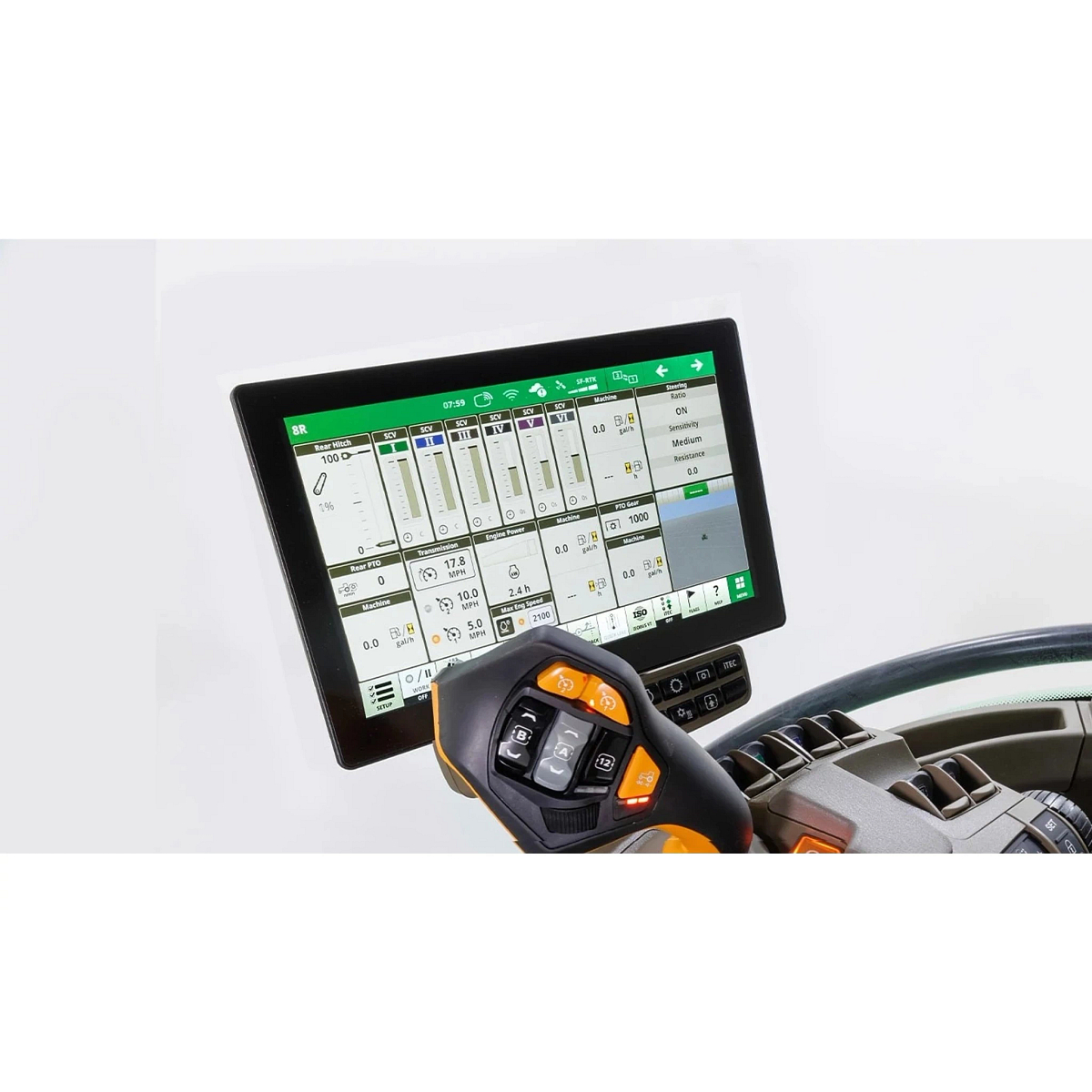
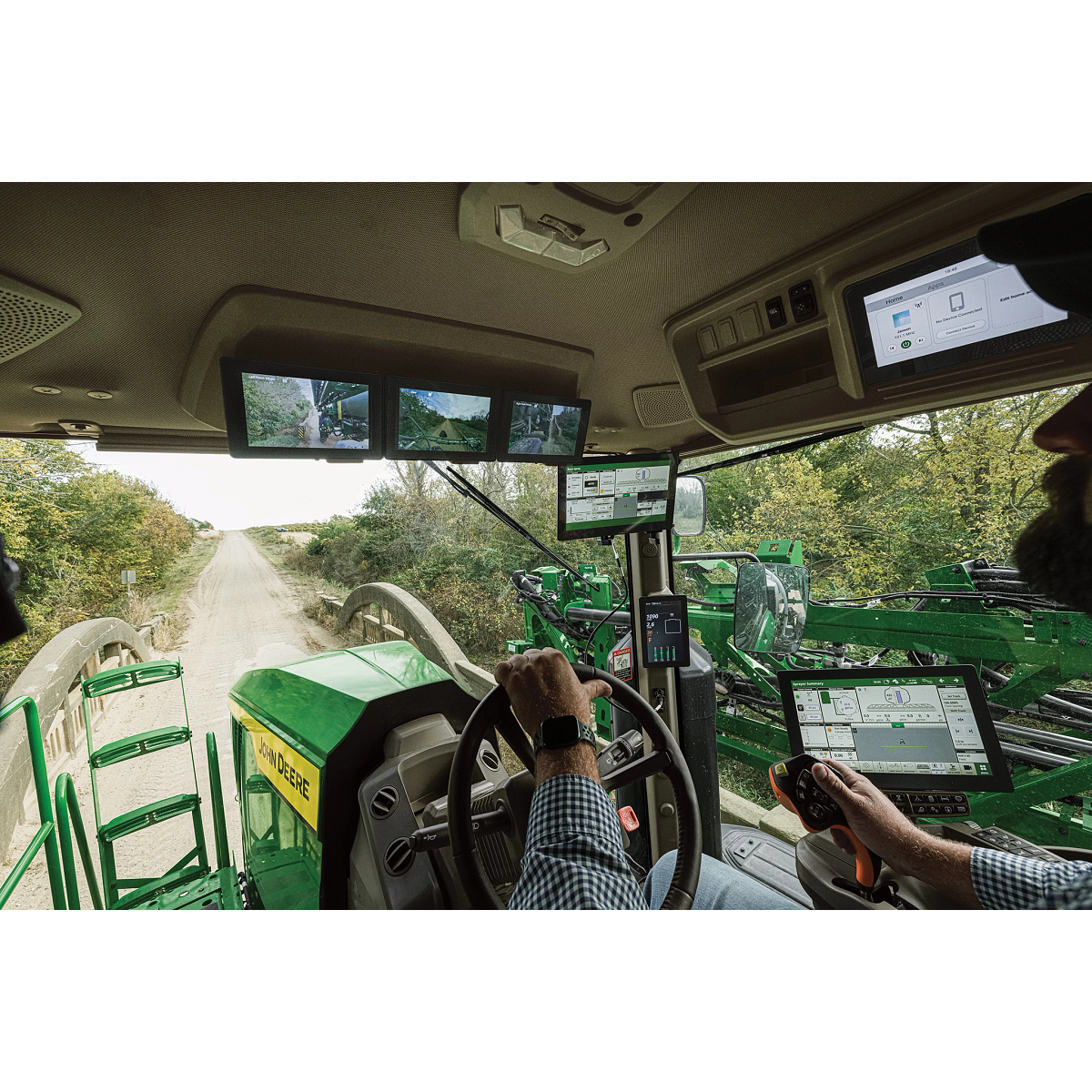
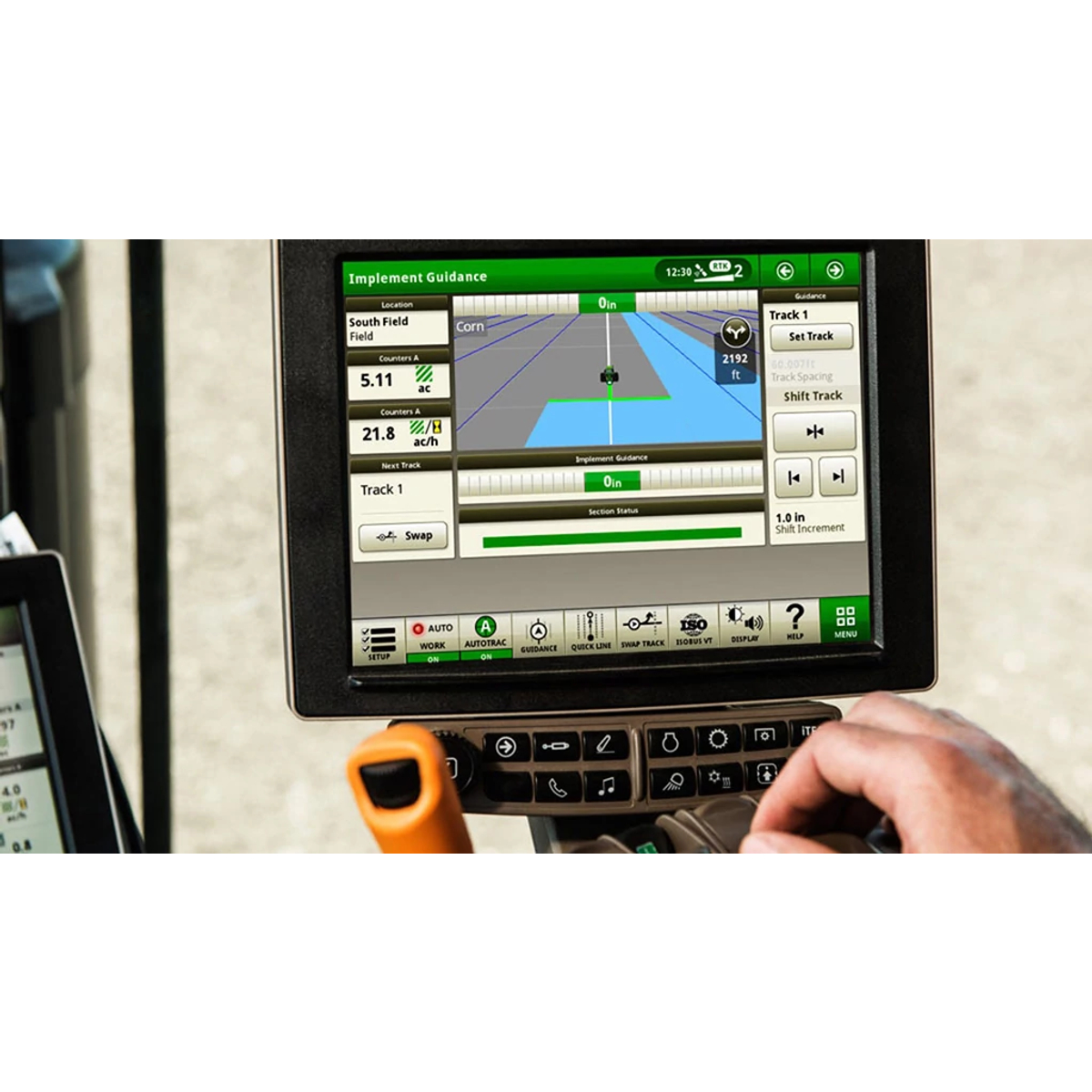
The G5ᴾˡᵘˢ CommandCenter™ features a 12.8-in. (32.5-cm) HD touchscreen and comes factory-equipped with key precision ag features like AutoTrac™, Section Control, and Data Sync. It supports advanced capabilities such as Remote Display Access, multiple video inputs, and compatibility with third-party controllers to enhance visibility, guidance accuracy, and operational efficiency.
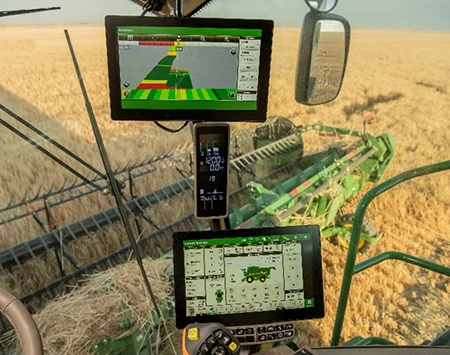
The G5ᴾˡᵘˢ Extended Monitor adds a second screen to the G5ᴾˡᵘˢ display, allowing producers to simultaneously view and adjust more settings without switching run pages. This plug-and-play setup simplifies in-cab operations, reduces setup time, and enhances customization while helping avoid costly application errors.
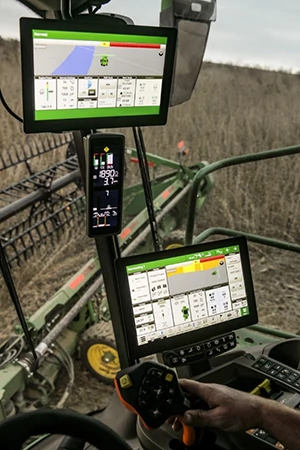
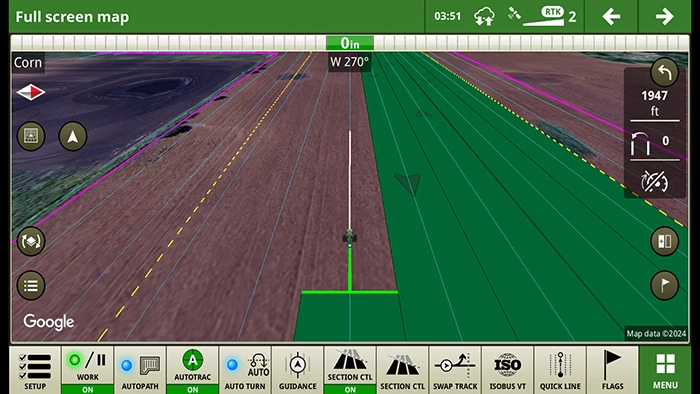
The G5/G5ᴾˡᵘˢ display boosts operator efficiency with a customizable full-screen interface and intuitive tools like satellite maps, split map, and pan-and-zoom navigation. It supports precision farming through features such as pass visualization, flag alerts, and dual-display mode, all designed to streamline setup, enhance visibility, and maximize uptime.
.svg)
.svg)
.svg)
.svg)