Login

Create Account

Reset Password

No items found.

Service history

The Perfect First Pass Right from the Start

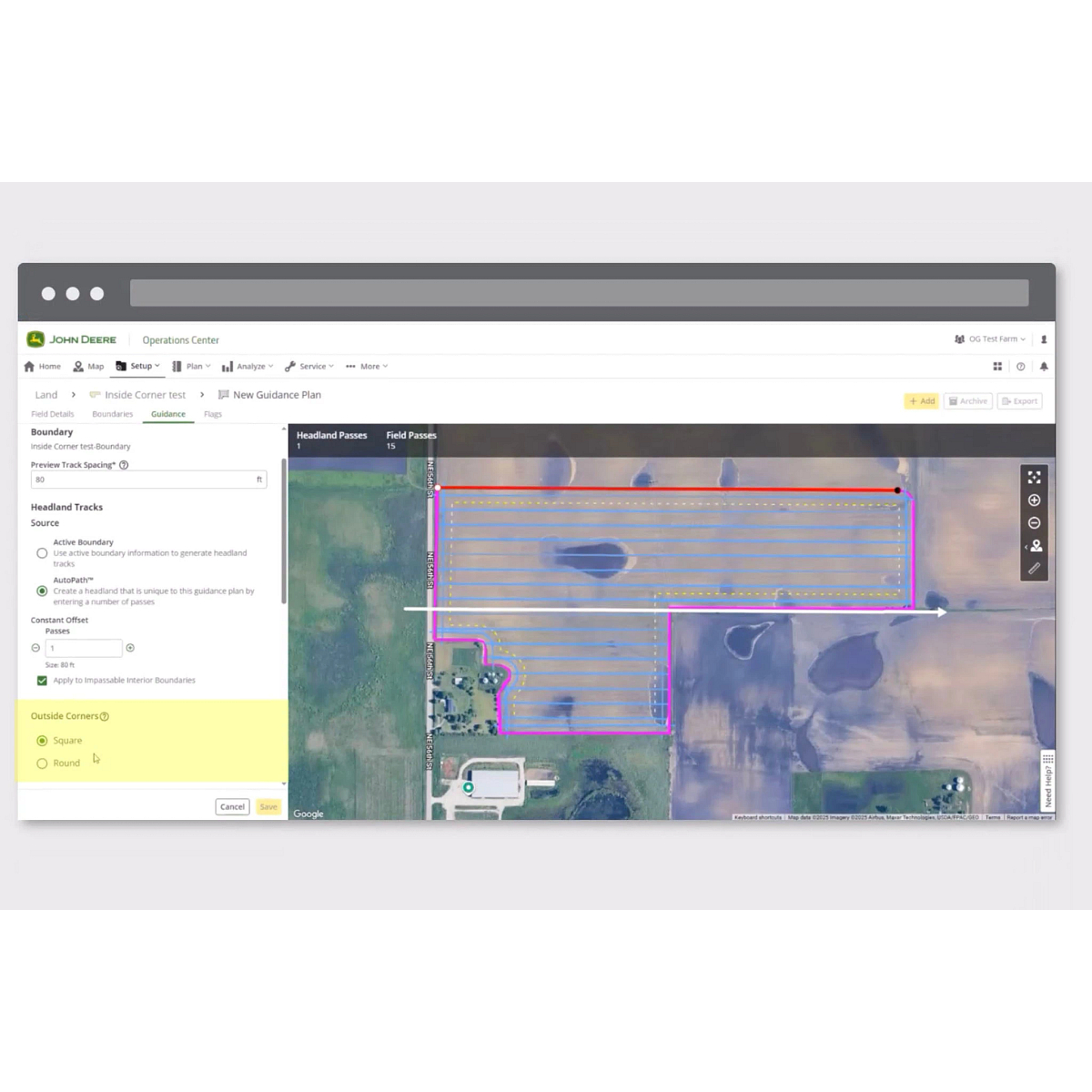
Because AutoPath™ (Boundaries) records previously driven tracks, it’s already set for subsequent passes. In just three simple steps, you can pull up your guidance plan and use it all season long for seeding, spraying, and even harvesting small grains.
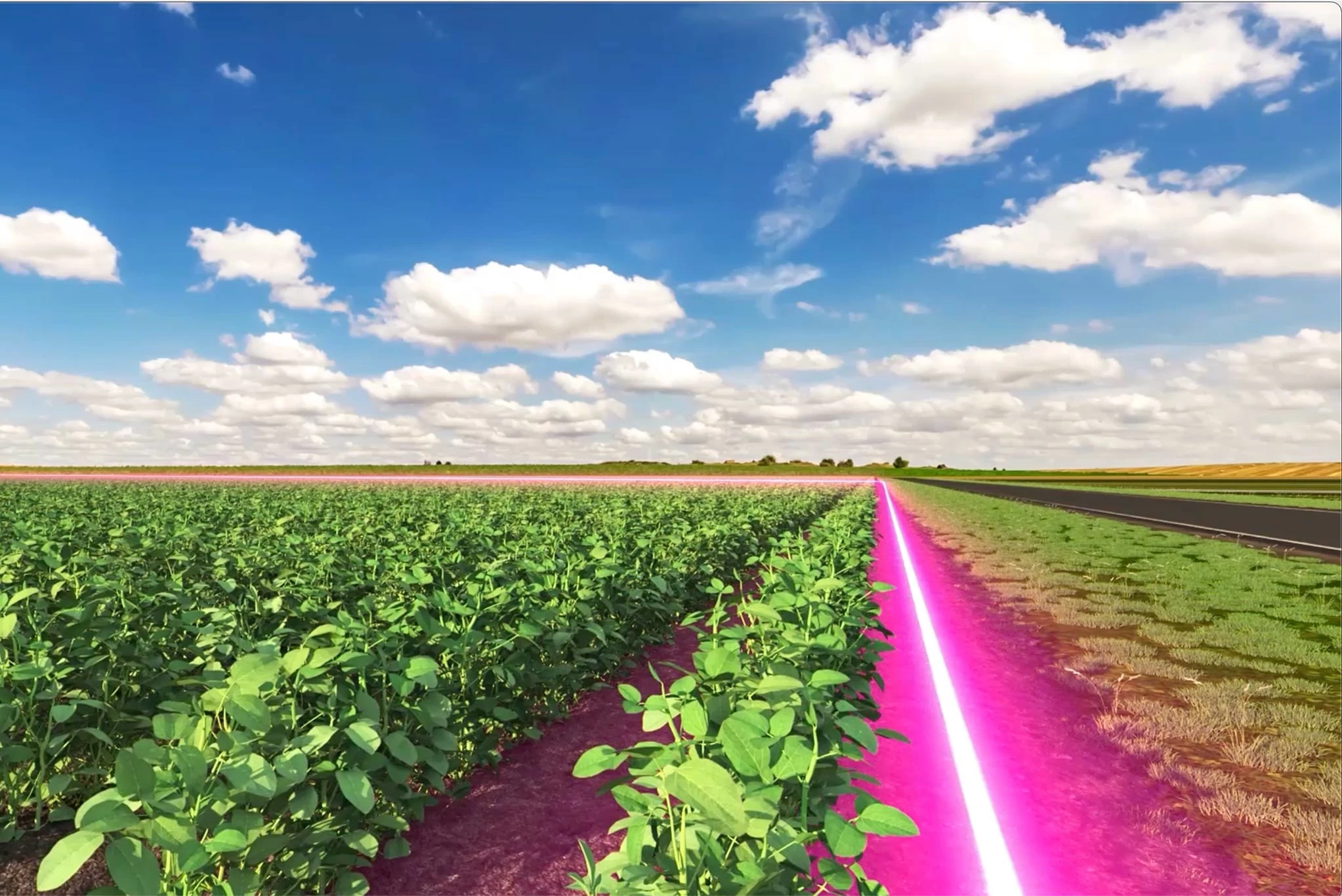
A glowing pink line shows the outer boundry of a crop field.
Guesswork Out for Less Experienced Operators

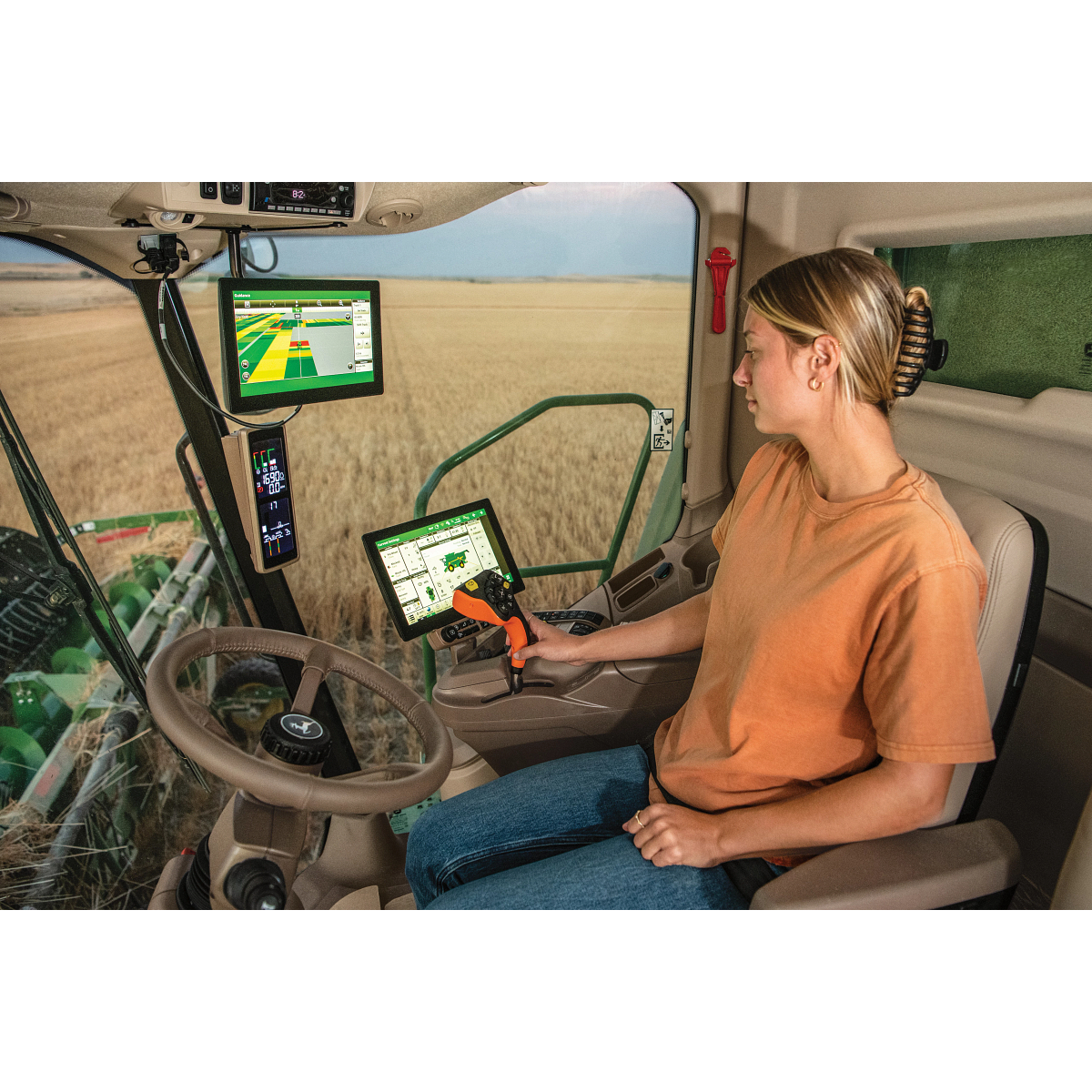
Got less experienced team members working your fields? AutoPath™ (Boundaries) gives you more confidence that every pass is just as you intended, not matter who’s in the cab. No more swapping and managing multiple guidance tracks.
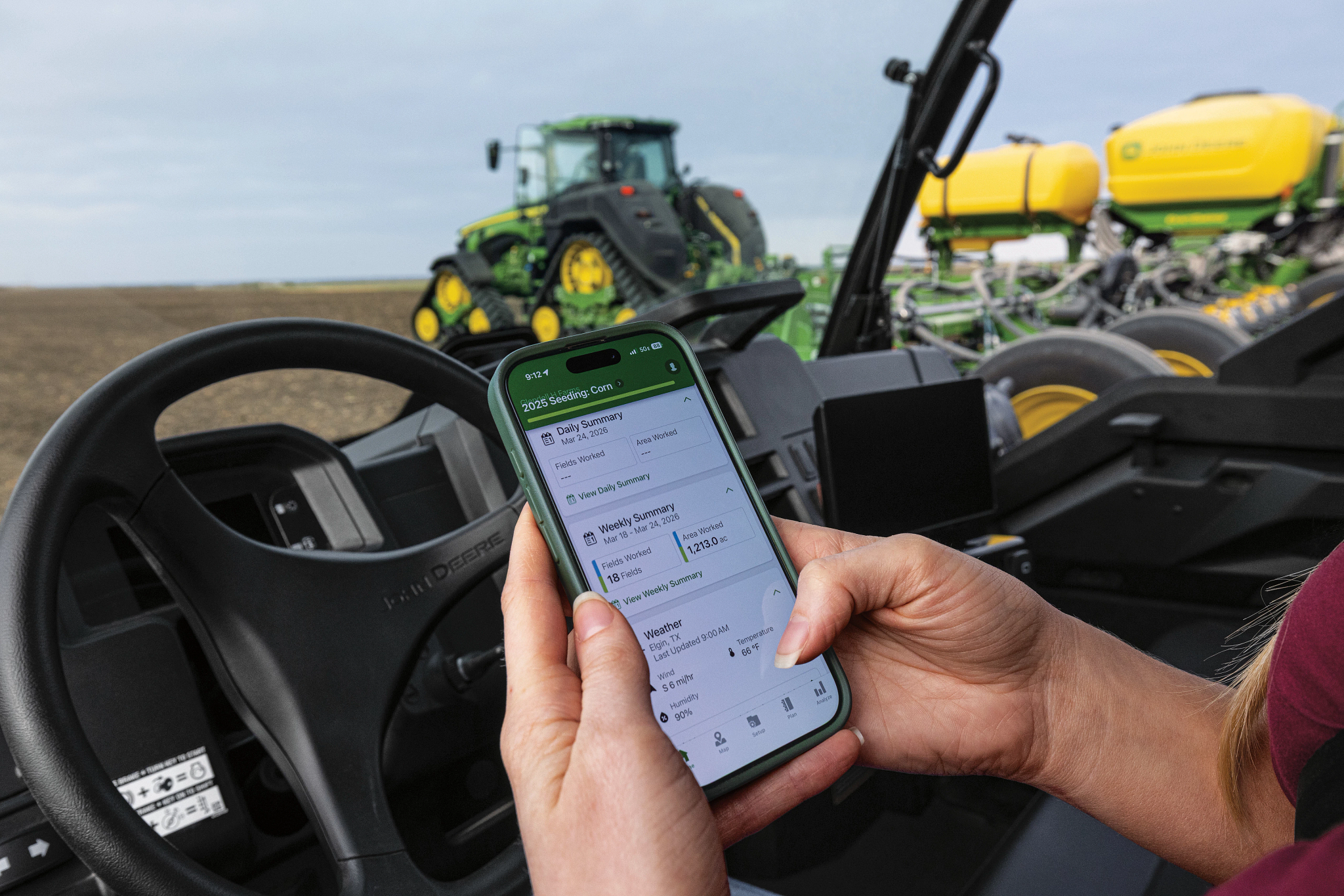
Person viewing seeding data on a mobile phone inside a Gator cab; outside rests a green tracked tractor with attached planter.
Explore New Precision Farming Options

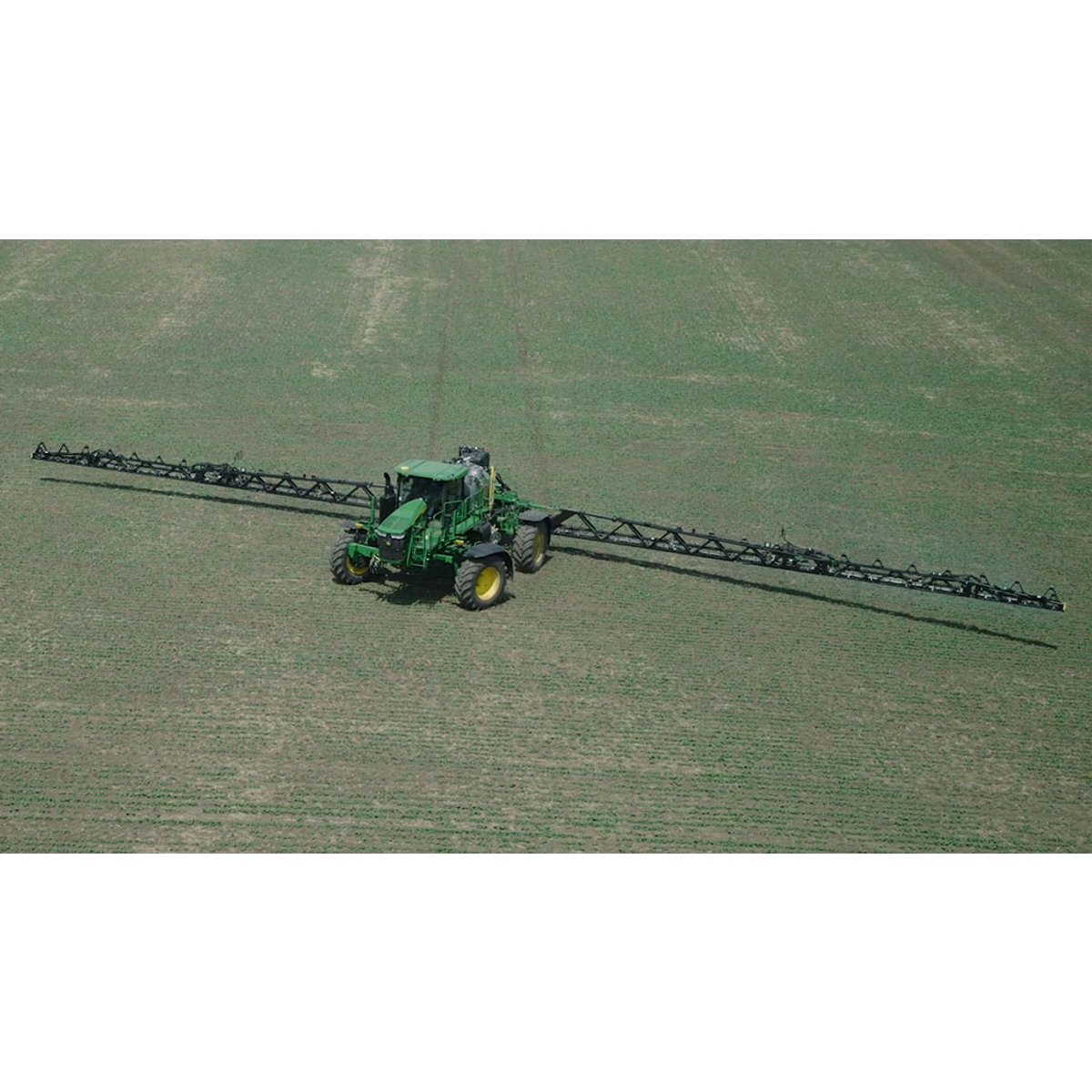
AutoPath™ (Boundaries) gives you more flexibility to try precision farming practices you may not have considered before, like precisely inter-row seeding between last year’s rows. Or planting cover crops to optimize emergence and crop establishment.
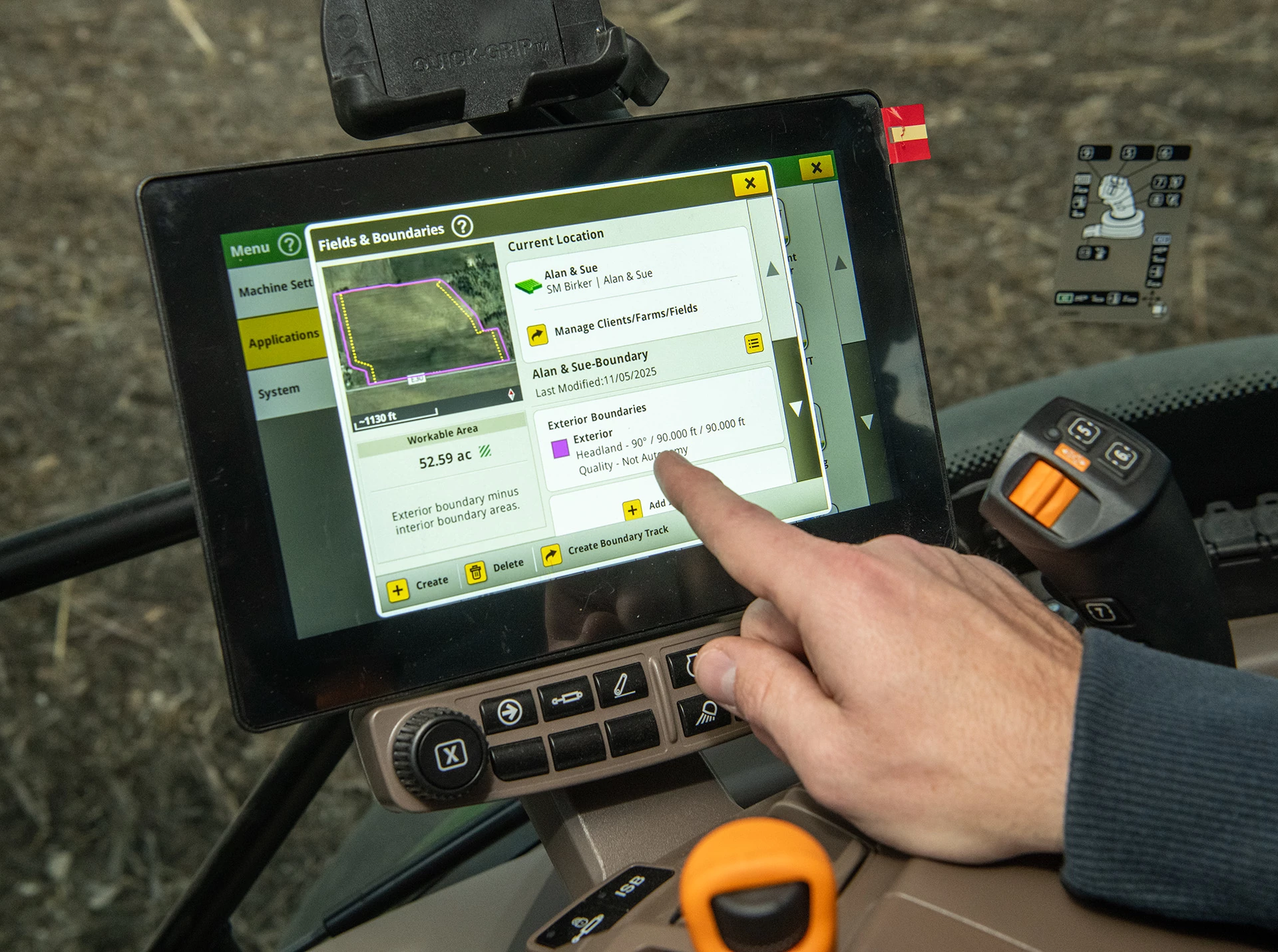
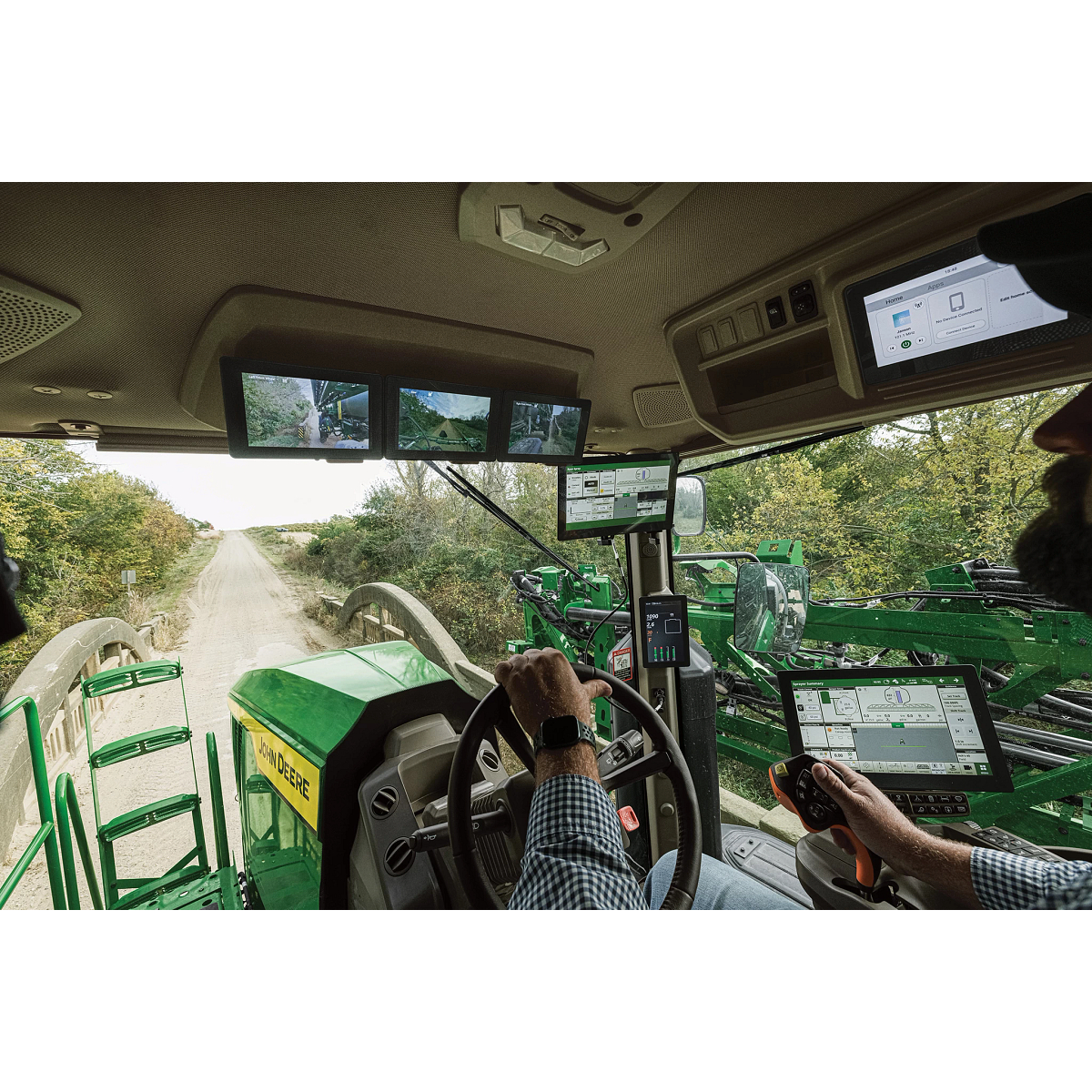
Display screen with AutoPath Boundaries pop up
Question text goes here

Lorem ipsum dolor sit amet, consectetur adipiscing elit. Suspendisse varius enim in eros elementum tristique. Duis cursus, mi quis viverra ornare, eros dolor interdum nulla, ut commodo diam libero vitae erat. Aenean faucibus nibh et justo cursus id rutrum lorem imperdiet. Nunc ut sem vitae risus tristique posuere.

<div class="accordion-wrap"></div>
Guidance

John Deere AutoTrac™ Turn Automation

View
Guidance

John Deere AutoTrac™ Turn Automation

View
Guidance

John Deere AutoPath™ (Boundaries)

View
Guidance

John Deere SmartView

View